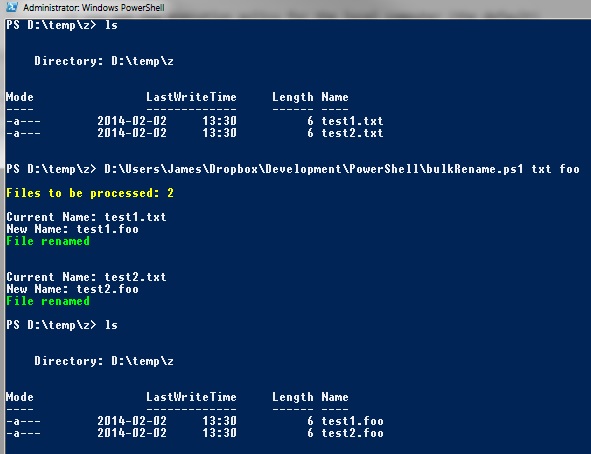
Here's a quick PowerShell script to change the extension on a group of matching files, posted chiefly to illustrate how much more concise PowerShell can be when compared to VBScript (I'll post an equivalent script shortly). The script below is still about twice the length of the a similar script I wrote in bash for *nix but it's certainly an improvement in both length and readability over VBS. First up, grab the required parameters (old extension, new extension) from the command line. If either or both are missing, the user will be prompted to enter them. Each parameter is set with three options - [parameter(Mandatory = $true)] makes the parameter mandator. ValidateNotNullorEmpty is called to do exactly what it says on the tin. [string]$oldExt puts the value of the parameter into a string called $oldExt . 1: param( 2: [parameter(Mandatory = $true)] 3: [ValidateNotNullOrEmpty()] 4: [string]$oldExt, 5: [parameter(Mandatory = $tru...